
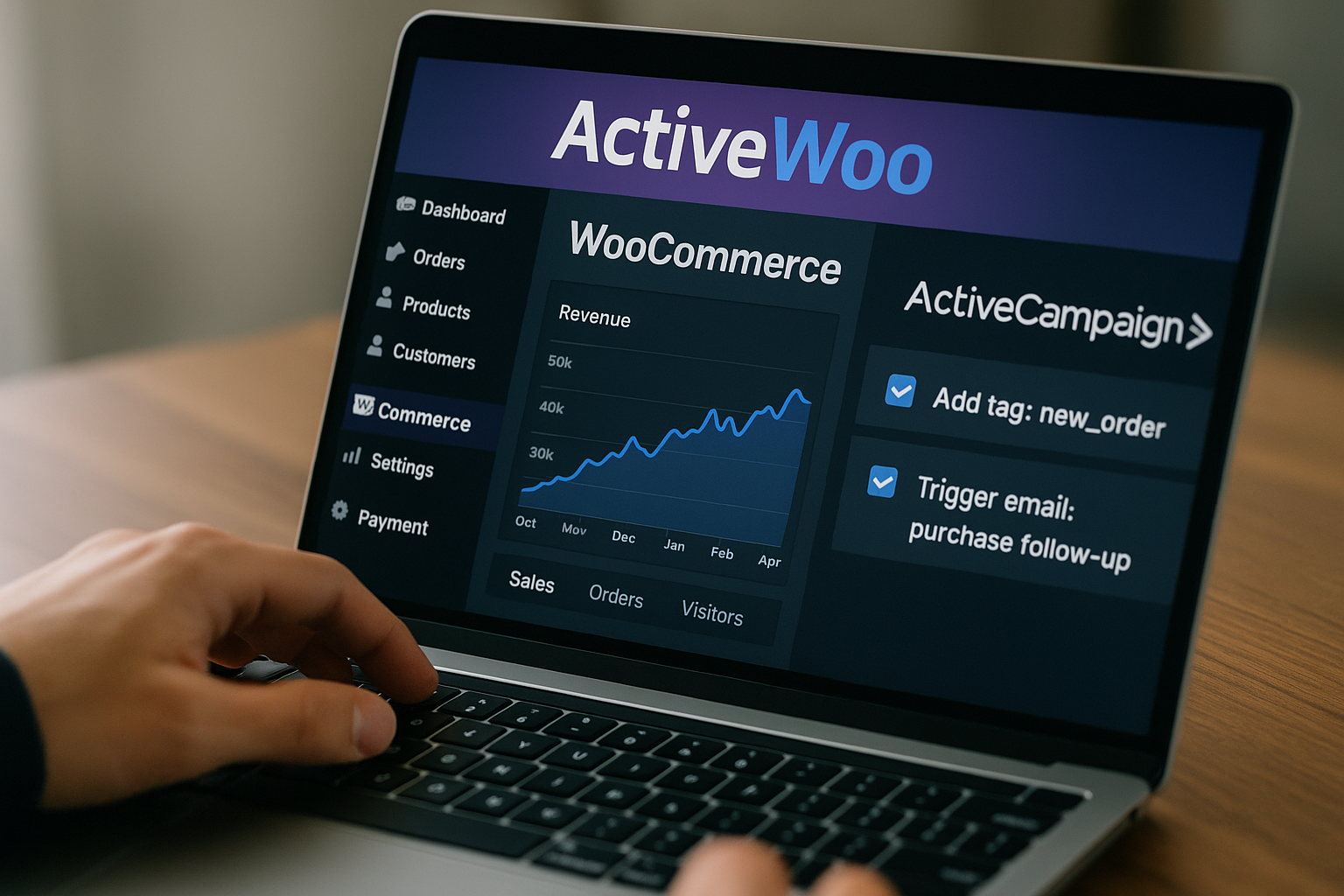
Keeping up with plugin updates can feel like a chore, but when they actually save you time and sharpen your marketing, it’s worth paying attention. That’s exactly what the latest ActiveWoo release aims to do.
With smarter automation, easier tracking, and updates that run in the background, ActiveWoo just made WooCommerce marketing more efficient for everyone. Whether you’re running one store or managing several, these new features make things simpler.
Built-In Visitor Tracking: Smarter Data And No Code Required
Adding visitor tracking used to be one of those annoying tasks you had to Google every time. Where does the code go again? One wrong step and you’d break something. Now, ActiveWoo handles it right from the settings panel.
That means no more digging into your theme files or asking a developer for help. Just paste your ActiveCampaign script once, and it gets added to every page automatically. It’s cleaner, safer, and makes tracking feel less like a tech headache.
That smooth setup makes it easier to focus on what really matters—understanding your audience. With site tracking running in the background, you can see which products are getting attention and which visitors are coming back. No guesswork, just real signals.
And the best part? That data powers your automations. Instead of sending the same email to everyone, you can personalize based on what each person actually looked at. Smart tracking doesn’t just save time, it helps you market like a pro.
Multisite Tagging Support: Clarity for Agencies and Multi-Store Owners
Running multiple WooCommerce stores is one thing, but for franchises, it’s a whole different challenge. When each location shares a brand but needs separate tracking, automation can get messy fast, especially when managing WooCommerce automations to increase sales.
And that’s exactly why ActiveWoo introduced multisite tagging support. You can now add location-specific prefixes to every tag, making it instantly clear which franchise location triggered which automation. It’s simple, but it brings structure to what used to be chaos.
With those tag prefixes in place, every store’s automations stay clean and separated. A cart abandoned at the Miami branch won’t trigger a follow-up meant for New York. For franchises, this is about accuracy and control at scale.
So, if you run a franchise and want better visibility, better segmentation, and better results from your WooCommerce data, then this update was made for you. Ready to take it further? Let’s talk about what this could unlock for your business.
Automatic Updates: Set It and Forget It
Manually updating plugins isn’t just tedious, it’s easy to forget. And when you do remember, it always seems to pop up at the worst time. That’s exactly why ActiveWoo’s new automatic updates feature is such a relief.
That relief comes from not having to think about it. Once enabled, ActiveWoo keeps itself up to date with the latest features, security patches, and performance fixes. No reminders, no downtime, no digging through change logs to see what you missed.
And because updates are handled behind the scenes, you reduce the risk of running outdated code that could slow down your store or break something important. Everything just stays clean, stable, and running the way it should.
In the end, it’s one less thing on your list. You can spend less time managing your tools and more time building your business. ActiveWoo takes care of itself, so you can focus on what actually needs your attention.
Easier Automation Triggers: More Control and Less Complexity
Setting up automations can feel like guesswork when your triggers are either too basic or too rigid. That’s why the new improvements in ActiveWoo matter—they finally give you more options without piling on the confusion, especially when dealing with smarter market segmentation strategies.
That simplicity opens the door to smarter decisions. You can now trigger automations based on real actions, like successful checkouts or payment failures, without setting up workarounds. It just works the way you’d expect it to.
And when things work as expected, you spend less time fixing and more time building. Clear triggers mean your email marketing hits the right people at the right time—without babysitting every single step of the process.
At the end of the day, marketing automation shouldn’t feel like code. With these updates, ActiveWoo gives you the control you need while keeping everything easy to handle. More results, less headache—that’s the kind of upgrade that sticks.
Better Syncing for Custom Fields and Tags
Clean data is everything when it comes to automations. But when your custom fields or tags don’t sync properly, it throws everything off. That’s why ActiveWoo’s improved syncing system is such a welcome update for anyone working with customer data.
That smoother syncing keeps everything in line. Whether it’s a custom field for favorite product type or a tag from a past purchase, changes in WooCommerce now show up exactly how they should in ActiveCampaign—automatically and reliably.

Because the data stays accurate, your segments become more meaningful. You’re no longer blasting generic emails, you’re sending the right message to the right person based on real, up-to-date info. And yes, that absolutely helps conversion rates.
It’s a quiet improvement, but one that makes a big difference. You don’t have to second-guess your tags or manually fix mismatches anymore. ActiveWoo just keeps your data flowing properly, so you can focus on strategy, not cleanup.
Who Benefits the Most From These Updates?
ActiveWoo’s latest improvements aren’t just about features, they’re about making life easier for the people using them. Whether you’re running a solo store or managing client campaigns, these updates cut the noise and give you more control, minus the hassle.
- Small business owners: Don’t have time to babysit plugins? With automatic updates and easier setup, you can focus on selling instead of tweaking settings every week. It’s one less thing on your already full plate.
- Agencies juggling multiple stores: Multisite tagging keeps everything separated and easy to track. No more guessing where a tag came from or fixing crossed wires between clients. You stay organized without spreadsheets and headaches.
- Marketers running automations: Now that custom fields and tags sync more reliably, your segments actually mean something. You can send the right messages to the right people, without wondering if the data’s outdated.
- Developers who want fewer support calls: Built-in tracking means no more inserting scripts manually. That’s one less thing to break, one less frantic client email, and a smoother install process overall.
- Subscription-based businesses: Recurring customers rely on timely, relevant communication. With better syncing and automation triggers, staying in touch becomes automatic, and way more personal.
- Retailers with multiple storefronts: Whether you’re running separate brands or product lines, the new tagging system helps keep your customer journeys aligned. Every store stays in its own lane, and so does your data.
- Anyone tired of fighting with their tools: At the end of the day, these updates make things run smoother. Less manual work. Fewer errors. More time to actually grow your business instead of troubleshooting it.
These updates collectively aim to provide a more streamlined and effective marketing experience for a diverse range of WooCommerce users.
Conclusion: ActiveWoo Just Got Smarter And So Can You
ActiveWoo’s new features weren’t built to impress, they were built to help. From automation tweaks to better syncing and hands-off updates, everything works together to save you time and keep your store running smarter, not harder.
And when things just work, it shows. Cleaner data, clearer segments, and fewer headaches mean more space to grow your business. These updates aren’t flashy, but they’re exactly what busy store owners actually need.
Share this post with your friends

Ross Jenkins
Ross Jenkins is the founder of DigitalME and is an ActiveCampaign Certified Consultant. He is ranked #1 on UpWork for his proficiency in digital marketing. DigitalME offers targeted digital solutions and is perfect for anyone who wants to increase leads, sales, and productivity through automation.